
Better ADHD Email Management Starts with Small Changes
ADHD email management can feel overwhelming when your inbox is constantly filling up with new messages, notifications, and decisions. Prioritizing emails, staying focused, and resisting the urge to respond impulsively can make it difficult to keep your inbox under control. A few simple strategies can make email feel more manageable.
These three ADHD-friendly approaches can help you create a routine, reduce inbox clutter, and communicate more thoughtfully, so your email works for you instead of adding to your daily overwhelm.
ADHD email management can be simple. Use this Managing Email with ADHD infographic to learn easy strategies:
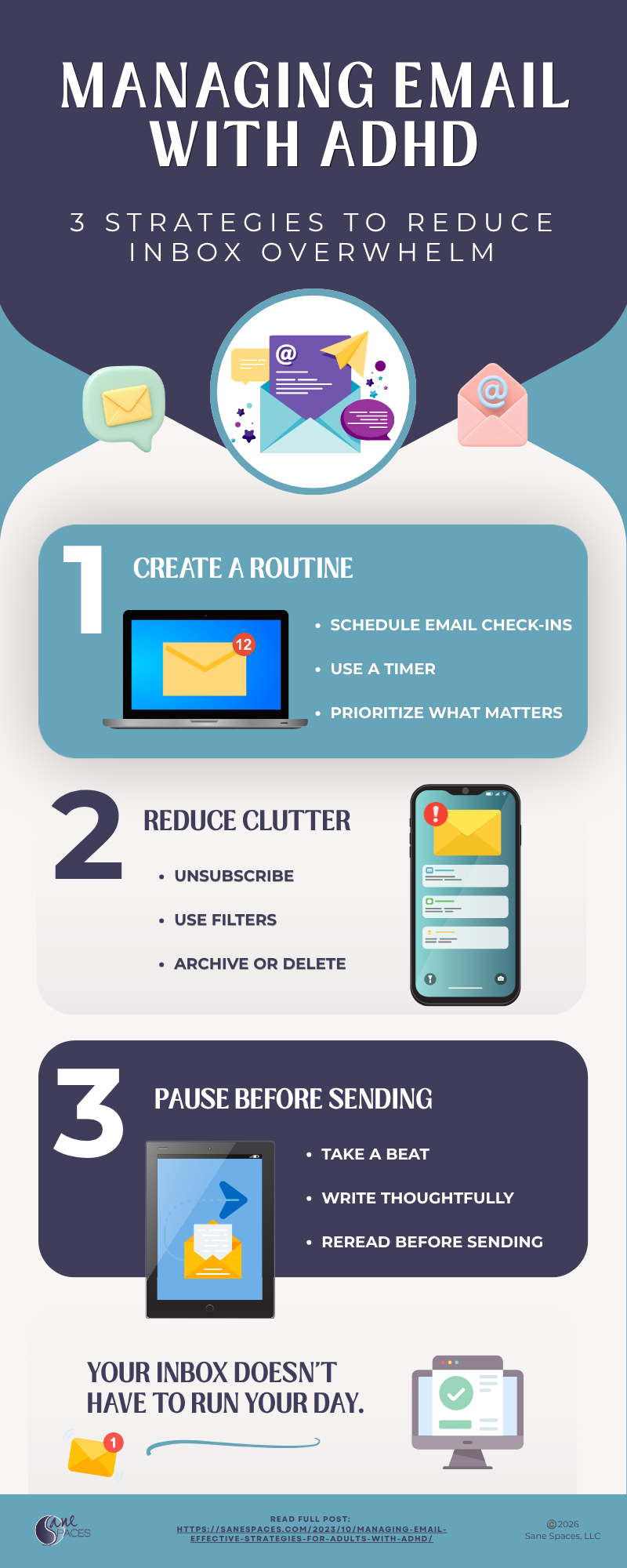
Managing Email with ADHD: 3 Strategies to Reduce Inbox Overwhelm
3 Strategies to Reduce Inbox Overwhelm
1. Create an Email Routine
Instead of checking your inbox whenever a message arrives, schedule email check-ins at specific times. Use a timer to stay focused and prioritize what matters most. Turning off notifications can also help reduce distractions and keep email from taking over your day.
2. Reduce Email Clutter
A crowded inbox can make it harder to find what you need. Unsubscribe from messages you no longer read, use filters to organize incoming email, and archive or delete messages once you’ve handled them. A less cluttered inbox means fewer distractions. Unsubscribing can be easy with tools like Unroll.me.
3. Pause Before You Send
When an email triggers a strong reaction, take a beat before responding. Write thoughtfully, then reread before sending to make sure your message says what you intend. That extra moment can help you respond rather than react.
Your inbox doesn’t have to run your day.
Effective ADHD email management doesn’t mean keeping a perfect inbox. It’s about finding simple strategies that reduce overwhelm and make email easier to manage.

Leave a Reply
You must be logged in to post a comment.